How to Make Your First Deposit on JD Shadow Using GCash (PHP 100 Minimum)
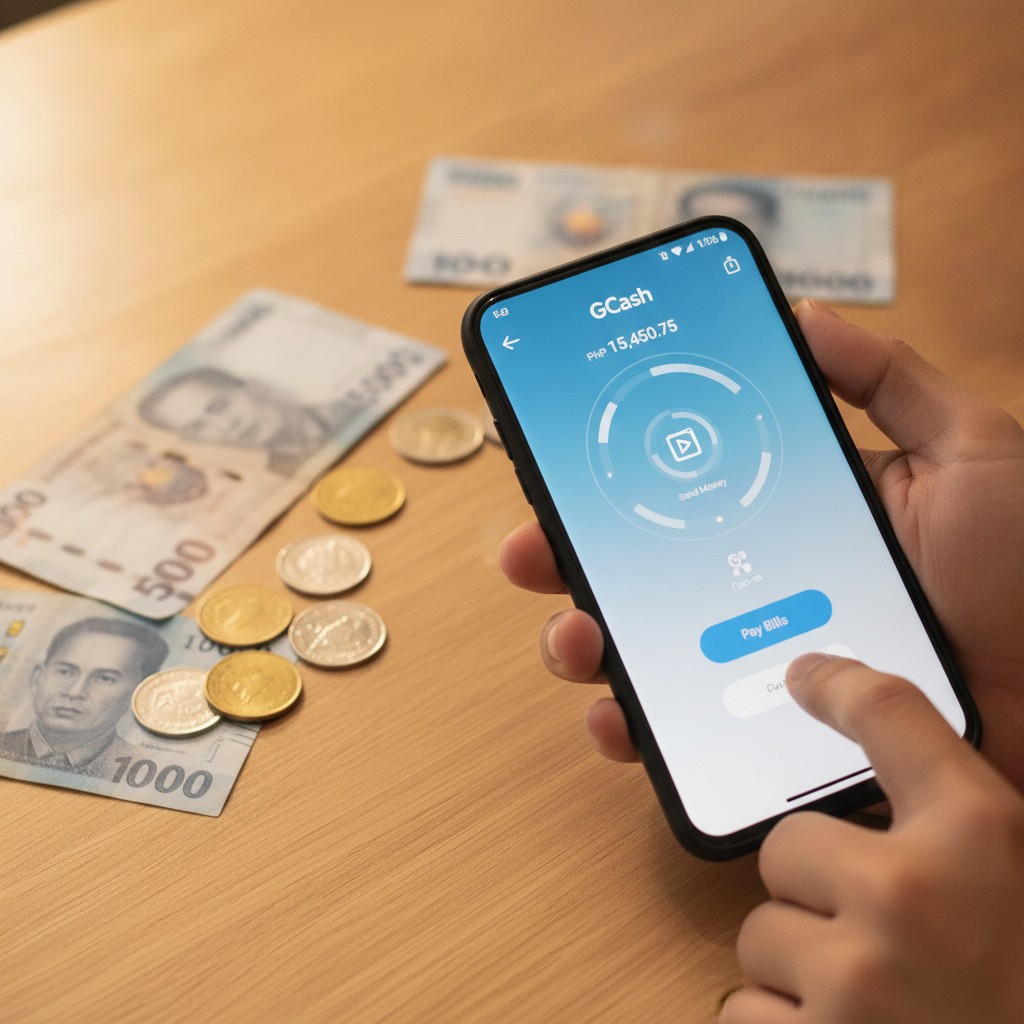
Minimum Deposit Amount on JD Shadow (PHP 100)
JD Shadow sets the minimum deposit at PHP 100 for most payment channels, including GCash. This makes it accessible for Filipino players who want to start small and test the platform before committing larger amounts.
Whether you plan to try slots, place a bet on the PBA, or sit at a live dealer table, PHP 100 is enough to get started. Keep in mind that some games have their own minimum bet requirements—most slots accept bets as low as PHP 1 per spin, while live dealer tables typically start at PHP 25 to PHP 50 per hand.
GCash is one of the most popular deposit methods on JD Shadow because it's instant, widely used across the Philippines, and doesn't require a traditional bank account. If you already have GCash on your phone and a verified account, you're ready to fund your JD Shadow balance in a few taps.
Step-by-Step: Linking GCash and Making Your First Deposit
Before you can deposit, you need an active JD Shadow account. If you haven't registered yet, you'll need to complete the sign-up process and verify your mobile number. Once that's done, follow these steps to make your first GCash deposit:
1. Log in to your JD Shadow account
Open the JD Shadow site on your mobile browser or app. Enter your registered mobile number or email and password to log in. If you've just registered, you should already be logged in.
2. Go to the deposit or cashier section
Look for a button labeled "Deposit," "Cashier," or "Add Funds" on the homepage or in the main menu. This is usually located at the top of the screen or in your account dashboard. Tap it to open the deposit page.
3. Select GCash as your payment method
JD Shadow offers several deposit options, including GCash, Maya, and bank transfer. Scroll through the list and tap GCash. You may see a logo or icon to make it easier to identify.
4. Enter your deposit amount
Type in the amount you want to deposit. The minimum is PHP 100, and there may be a maximum limit depending on your account level or the payment method. For first-time players, it's common to see a maximum of PHP 10,000 to PHP 50,000 per transaction.
Double-check the amount before proceeding. If you enter less than PHP 100, the system will usually display an error message.
5. Confirm and proceed to GCash
After entering your amount, tap "Proceed," "Continue," or "Confirm." You'll be redirected to the GCash payment gateway or receive a prompt to open your GCash app.
6. Authorize the payment in GCash
If you're redirected to a web page, you may need to log in to your GCash account using your MPIN. If the GCash app opens automatically, review the transaction details:
- Merchant name (usually JD Shadow or a payment processor)
- Amount (should match what you entered)
- Your GCash balance (make sure you have enough funds)
If everything looks correct, enter your MPIN or use biometric authentication to authorize the payment.
7. Wait for the confirmation screen
Once the payment goes through, GCash will show a success message. You may also receive an SMS notification confirming the deduction from your GCash wallet. The screen will usually redirect you back to JD Shadow automatically, or you can close the GCash window and return manually.
How Long the Deposit Takes to Appear in Your Balance
GCash deposits on JD Shadow are typically instant. In most cases, your account balance updates within seconds to one minute after you authorize the payment in the GCash app.
Here's what to expect:
- Immediate credit (most common): Your JD Shadow balance reflects the deposit right away. You'll see the new amount on your dashboard or cashier page.
- Delayed by one to three minutes: Occasionally, there may be a short delay due to network congestion or backend processing. This is normal during peak hours or if GCash servers are busy.
- Still pending after five minutes: If your balance hasn't updated after five minutes, check your GCash transaction history to confirm the payment went through. If GCash shows the transaction as successful but JD Shadow hasn't credited your account, contact JD Shadow's customer support with your transaction reference number.
You don't need to refresh the page manually in most cases—JD Shadow's system polls for new deposits automatically. However, if you want to be sure, you can navigate away from the cashier page and return, or log out and log back in.
What Happens After the Money Arrives in Your Account
Once your deposit is credited, you're free to explore everything JD Shadow offers. Here's what you can do next:
Browse the game lobby
Head to the slots, live casino, or sports betting section. JD Shadow hosts hundreds of slot titles—everything from classic three-reel games to progressive jackpots. If you prefer table games, you'll find live dealer versions of baccarat, blackjack, and roulette streamed in real time.
Sports bettors can place wagers on PBA games, NBA matches, volleyball tournaments, and more. The sportsbook also covers international football, esports, and other events.
Check minimum bets before you play
Even though you've deposited PHP 100, not every game is accessible at that stake level. Most slots let you spin for PHP 1 to PHP 5, so your deposit can stretch across many rounds. Live dealer tables usually require PHP 25 or higher per hand, and some VIP tables start at PHP 100 or more.
Always check the bet range before you sit down. This information is displayed on the game thumbnail or in the game rules.
Decide if you want to claim a bonus
Some players prefer to deposit and play without a bonus, especially if they're just testing the platform. Others may want to claim a welcome offer or reload bonus. If you do, make sure you understand the wagering requirements and game restrictions before you opt in.
JD Shadow may prompt you to accept a bonus at the time of deposit, or you may need to enter a promo code or activate it in the promotions section. This guide doesn't cover bonus mechanics in detail—those are handled on a sibling site focused on JD Shadow promotions.
Keep track of your balance
Your current balance is usually displayed at the top of the screen. As you play, it updates in real time. If you're betting on sports, remember that your stake is deducted when you place the bet, and winnings are credited when the event settles.
If you run out of funds, you can make another deposit using the same GCash method. There's no limit to the number of deposits you can make in a day, though individual transaction caps may apply.
Understand that winnings are not guaranteed
No deposit guarantees profit. Slots, live dealer games, and sports bets all carry risk. Set a budget before you start, and never deposit more than you can afford to lose.
21+ Only – Gamble Responsibly
JD Shadow is intended for players aged 21 and above only. By registering and depositing, you confirm that you meet this age requirement.
Gambling should be a form of entertainment, not a way to make money or solve financial problems. If you find yourself chasing losses, spending more than you planned, or feeling stressed about your play, it may be time to take a break.
Set deposit limits if JD Shadow offers that feature, and consider using tools like session timers or self-exclusion if you need help managing your play. Never gamble with money you need for bills, rent, or other essentials.
If you or someone you know is struggling with problem gambling, reach out to local support services or talk to a trusted friend or family member.
Making your first GCash deposit on JD Shadow is straightforward. With a PHP 100 minimum, instant crediting, and familiar mobile wallet steps, most Filipino players can fund their account and start playing in under two minutes. Take your time, play within your limits, and enjoy the games responsibly.